Quick Answer: Pick the Model Based on the Slide Type
There isn’t one “best” image model for every slide. The right choice depends on whether you’re making structured slide graphics (charts/diagrams) or creative hero imagery (cover slides).
Use this rule of thumb:
You need…
Best starting point
Charts, diagrams, frameworks, readable labels
Nano Banana Pro
Conceptual or illustrative hero images
DALL‑E 3
High-aesthetic, photorealistic or stylized art
Midjourney
Maximum customization / fine-tuning
Stable Diffusion
If your workflow ends in .pptx delivery and you need frequent changes, you need a tool that supports refinement before export:
Current Presentia Workflow (Updated February 24, 2026)
Current workflow checkpoints
Step
Where in UI
What happens
1. Input
TwoStepHero
Prompt or document text is prepared for generation.
2. Generation
/generate
Slides are created progressively with visible generation progress.
3. Finalize
Edit/Preview + Export
Refine in Edit mode, then export PPTX or PDF from the toolbar.
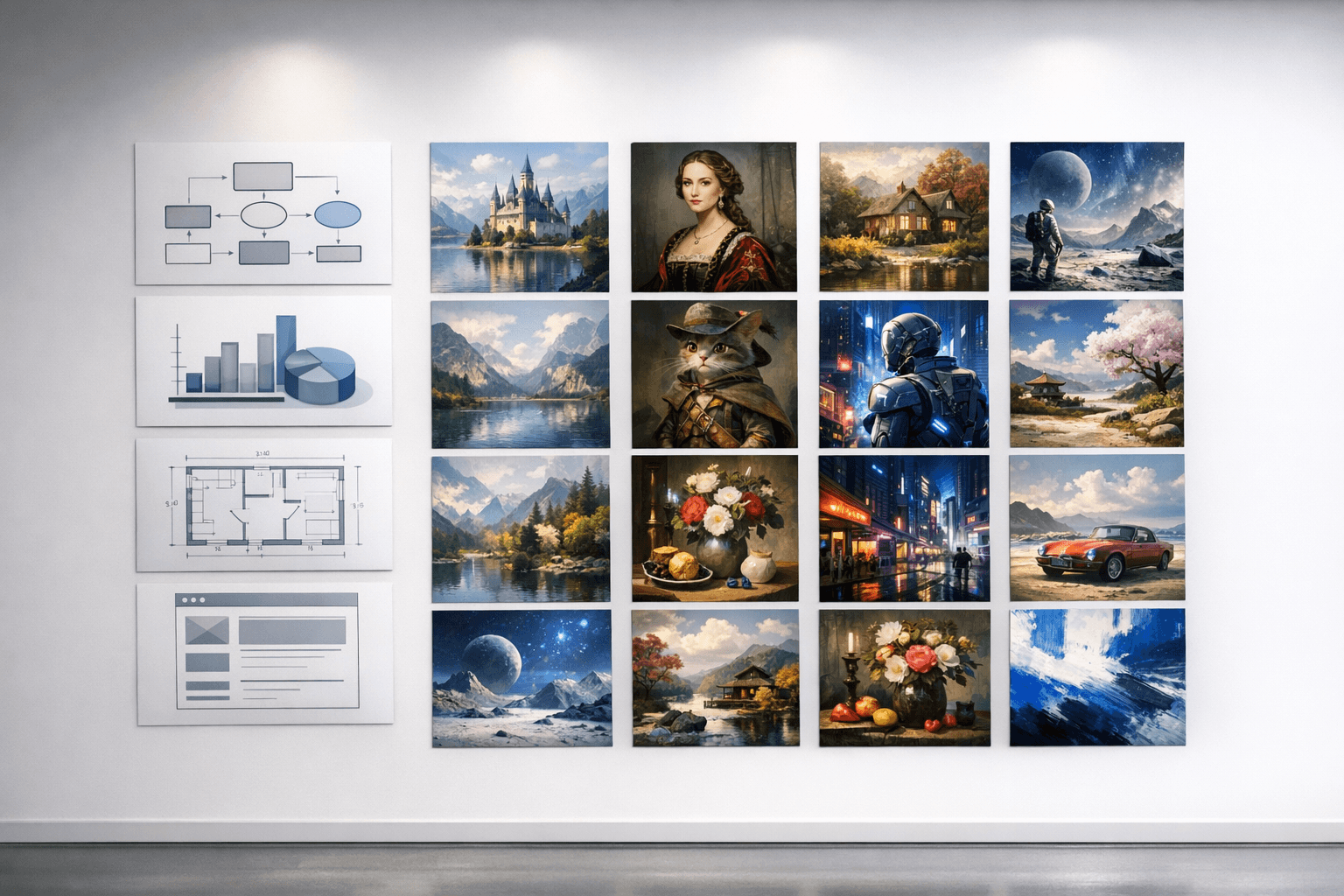
Key points visual: model comparison for presentation-focused outputs.
What “Good for Presentations” Actually Means
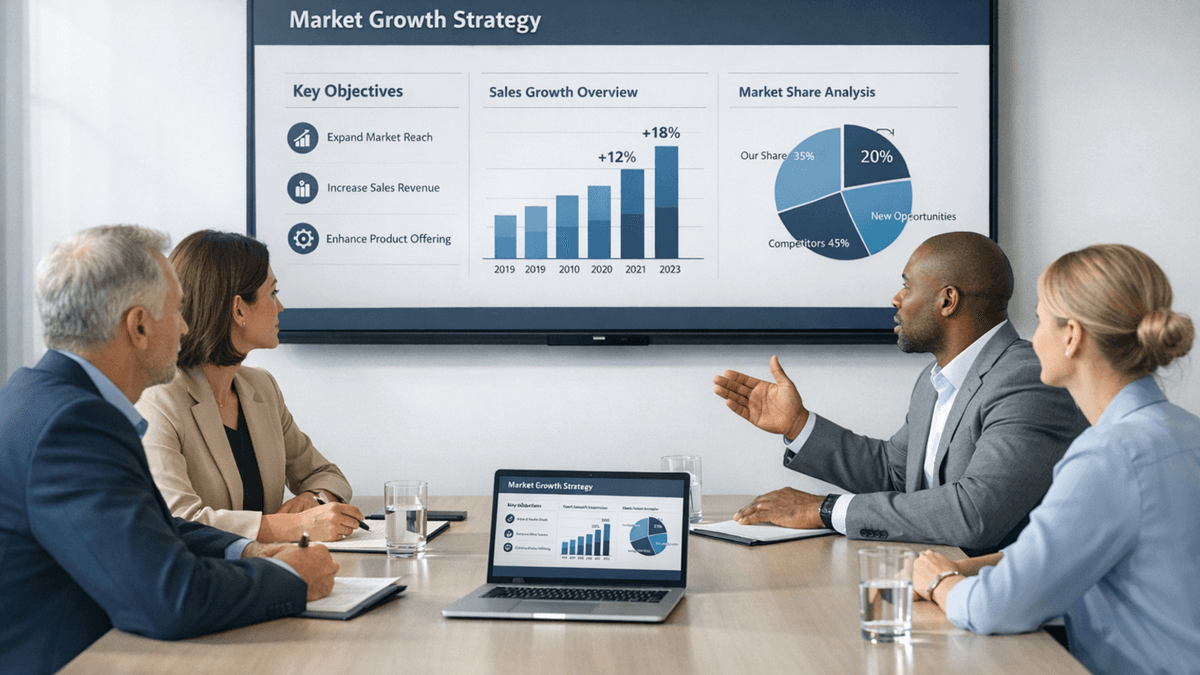
Presentation visuals have different requirements than general image generation:
Legible text inside the visual (labels, axes, callouts)
Correct structure (flows, hierarchies, matrices)
Consistency across a deck
Workflow fit (can you edit or do you have to regenerate?)
Comparison Criteria
This guide compares four popular options on:
Text-in-image accuracy
Diagram and chart reliability
Output resolution
Speed and iteration loop
How well it fits a slide workflow
1) Nano Banana Pro
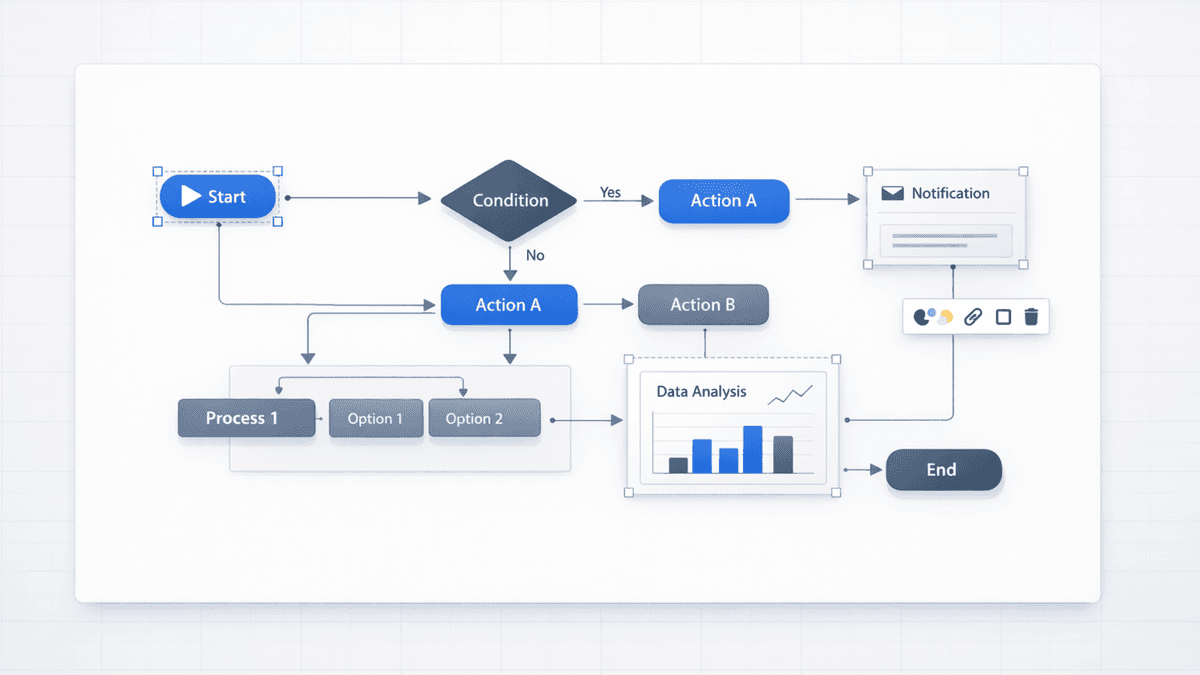
Best for: diagrams, charts, frameworks, infographics.
What it tends to do well:
Cleaner structure for flowcharts and frameworks
More reliable label rendering than “art-first” models
Strong starting point for slide graphics (not just pictures)
Watch-outs:
Still verify data-critical charts and labels
Some prompts need explicit formats (“2×2 matrix”, “5-step flow”, etc.)
2) DALL‑E 3
Best for: concept visuals, cover slides, illustrative storytelling.
What it tends to do well:
Visual metaphors and illustrative imagery
“Explainer” visuals where exact labels aren’t critical
Watch-outs:
Mixed reliability for charts/diagrams with lots of labels
Typically a PNG workflow (place it on a slide, not editable inside)
3) Midjourney
Best for: high-aesthetic imagery and stylized visuals.
What it tends to do well:
Beautiful imagery for cover slides
Strong visual style and “wow” factor
Watch-outs:
Text-in-image is unreliable for slide labels
Diagram accuracy is not the goal
Typically a PNG workflow
4) Stable Diffusion
Best for: teams that want control, custom models, or private pipelines.
What it tends to do well:
Custom pipelines and fine-tuned looks
On-prem or controlled workflows
Watch-outs:
More setup and more tuning
Out-of-the-box results can be inconsistent for structured slide graphics
Side-by-Side Summary (Presentation Use)
Criterion
Nano Banana Pro
DALL-E 3
Midjourney V7
Stable Diffusion 3.5
Text accuracy
⭐⭐⭐⭐⭐
⭐⭐⭐
⭐½
⭐⭐½
Diagram quality
⭐⭐⭐⭐⭐
⭐⭐
⭐
⭐⭐
Data visualization
⭐⭐⭐⭐½
⭐⭐
⭐
⭐⭐
Resolution
⭐⭐⭐⭐⭐
⭐⭐⭐½
⭐⭐⭐⭐⭐
⭐⭐⭐⭐
Generation speed
⭐⭐⭐⭐½
⭐⭐⭐
⭐⭐½
⭐⭐⭐
Presentation workflow
⭐⭐⭐⭐⭐
⭐⭐
⭐
⭐
Overall (presentations)
Best
2nd
4th
3rd
The Editability Factor: What Changes Everything
Beyond raw image quality, there's one more critical dimension: what happens after the image is generated.
Nano Banana Pro through Presentia AI: slides are generated with structured content plus AI previews, then refined in /generate before export.
DALL-E 3, Midjourney, Stable Diffusion: All three typically output PNG files. You place them in your slides as flat images. If anything is wrong or needs updating — a label, a color, a data point — you regenerate from scratch.
For professional presentation workflows, this refinement gap is as significant as the quality gap. Being able to generate structured visuals and refine copy/layout in /generate before export is fundamentally better than regenerating repeatedly.
Recommendations by Use Case
For investor pitch decks: Nano Banana Pro for diagrams/charts; optionally DALL‑E/Midjourney for hero imagery.
For marketing presentations: Nano Banana Pro for frameworks + charts; DALL‑E/Midjourney for conceptual imagery.
For academic/research presentations: Nano Banana Pro for method diagrams and results visuals; verify labels and numbers.
For creative/storytelling decks: Midjourney for hero imagery; Nano Banana Pro for any structured content.
For technical documentation: Nano Banana Pro for diagrams; Stable Diffusion if you need a private/custom pipeline.
Getting Access
Nano Banana Pro for presentations is most easily accessed through Presentia AI, which provides it as part of their slide generation workflow with full generate-and-refine workflow built in.
Try it here: Try 7 day free trial — credit card required, not charged until trial ends.
For direct API access (without presentation tooling), Nano Banana Pro is available through Google Cloud Vertex AI.