If you have used Gamma App for presentations or documents, you already know why many people were excited about it.
It is fast, simple, and turns basic ideas into clean visuals. But here is the truth. Even though Gamma AI is helpful, it is not the best fit for everyone.
Some people want something more flexible. Others want a tool that stays free for longer. Many want better design control. And some users are simply wondering things like is Gamma App safe or are there better Gamma App alternatives free.
Wherever you fall, this guide covers everything.
I will walk you through the top Gamma App alternatives in 2025. These are tools I have tested while creating pitch decks, student presentations, workshop material, and internal company documents. You will find what fits your style, your needs, and your time.
Let us get into it.
Why People Look for Gamma App Alternatives in 2025
After using Gamma AI for a long time and reading reviews and Reddit discussions, here is what most people say:
The free version is limited because the credit system runs out quickly
You cannot fully control design elements
The layouts sometimes feel similar
You cannot download a traditional app even though people search for "Gamma app download"
Some users are unsure about data privacy and ask "is Gamma App safe"
This naturally pushes creators, teachers, founders, and marketers to explore better options that offer more control and more value.
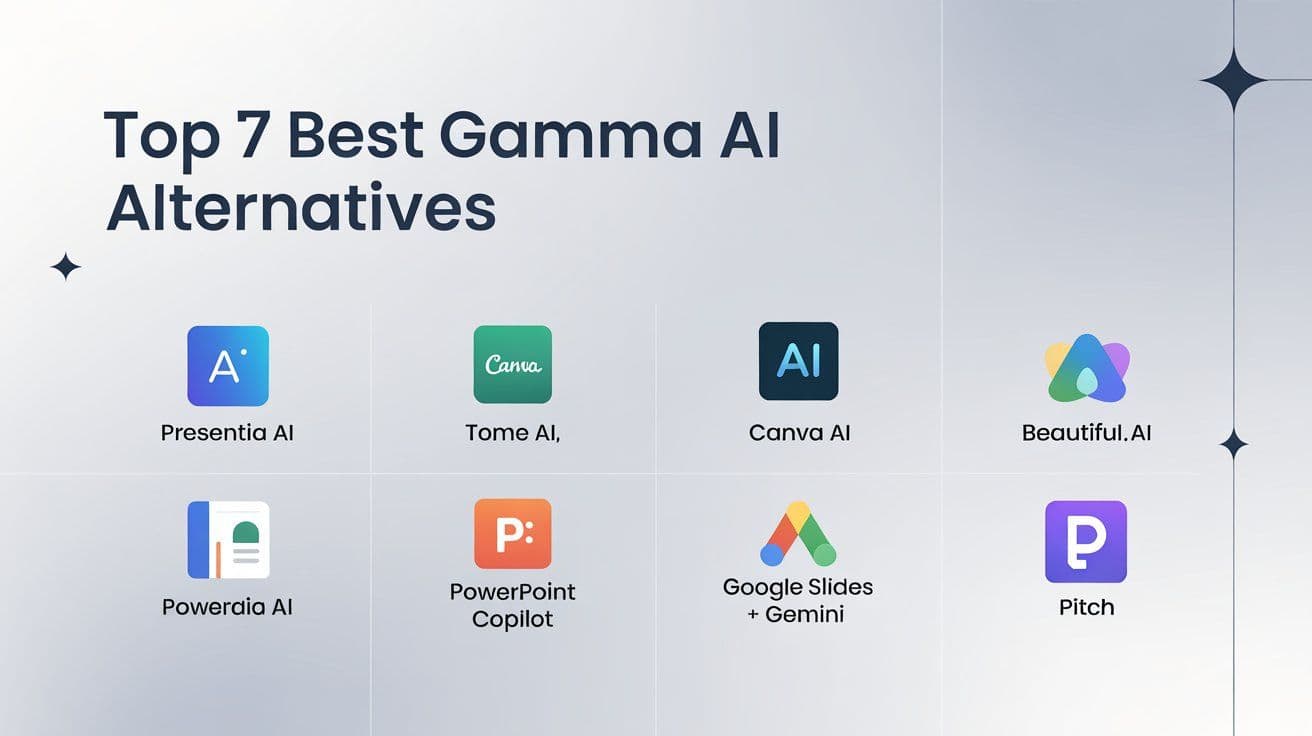
Presentia AI comes first because it gives you the simplest and smoothest experience.
1. Presentia AI
Presentia AI feels very similar to Gamma but smoother and more flexible. When I created a 40 slide client presentation using Presentia, the whole deck was generated in minutes. The structure, flow, and layout quality were higher than what I usually get from Gamma.
Why Presentia AI is Better
Cleaner and more balanced slide structure
More editing freedom
Strong writing assistance for storytelling
Exports look neat and professional
Works for both presentations and long documents
Best For
Students, founders, marketing teams, teachers, and anyone who wants clean layouts with more freedom.
Pricing
Presentia AI has a free plan. Paid plans are affordable.
2. Tome AI
Tome AI focuses on simple, modern looking pages. It is great for pitch decks and product storytelling.
Canva AI is ideal if you like full control over every detail. Its presentation generator is powerful, and the editing tools make it easy to refine every slide.
Why People Prefer It
Thousands of templates
Easy editor
Works for presentations, posters, videos, and more
Downside
It takes longer if you start with a blank page.
4. Beautiful AI
Beautiful AI focuses on smart layouts. It is similar to Gamma App in many ways because it adjusts spacing and structure automatically.
Why It Works
Good built in layout logic
Attractive template styles
Simple creation process
Downside
The free version is extremely limited.
5. PowerPoint Copilot
PowerPoint Copilot is perfect if you prefer classic PowerPoint but want AI help.
What You Get
AI slide generation
Help with visuals
Automatic formatting
Best For
Teams that already use Microsoft Office.
6. Google Slides with Gemini
If you want a free Gamma alternative, Google Slides paired with Gemini is surprisingly useful.
Why It Is Good
Free
Cloud based
Easy collaboration
Helpful AI suggestions
Downside
The designs are not as good as Gamma or Presentia.
7. Pitch
Pitch is known for its startup themed templates. It is not as AI heavy as others, but the designs look sharp.
Why It Fits Some Users
Great for pitch decks
Clean layouts
Collaboration tools
Downside
Limited AI features.
Quick Comparison Table
Which Tool Should You Choose
Choose Presentia AI if you want
Fast creation
Neat layouts
Strong AI writing
Good customization
Choose Tome AI if you want
Simple and modern storytelling
Choose Canva if you want
Deep customization
Choose PowerPoint Copilot if you want
Traditional PowerPoint with AI
Choose Google Slides with Gemini if you want
A completely free option
Choose Pitch if you want
Stylish pitch deck templates
Is Gamma App Safe
Yes, Gamma App is generally safe. It uses standard security methods. However, like any AI platform, avoid adding sensitive information. Many users on Reddit suggest that Presentia AI and Canva feel more predictable in terms of control.
Conclusion
Your choice of a Gamma App alternative depends on your style and needs. If you want something similar to Gamma AI but smoother, faster, and more flexible, choose Presentia AI. It is the closest match with better editing options.
If you love high control, choose Canva. If you want storytelling visuals, choose Tome. If you want something free, Google Slides with Gemini is perfect.
You now have everything you need to pick the right tool and create clean and polished presentations without frustration.
FAQs
1. What is the best free alternative to Gamma App
Canva free and Google Slides with Gemini are the best free alternatives.
2. Is Gamma App safe to use
Yes, it is safe for general use. Avoid uploading confidential documents.
3. What is the best AI presentation tool in 2025
Presentia AI and Gamma AI are leading choices. Presentia offers more flexibility.
4. Does Gamma App have a downloadable app
No. Gamma is fully web based.
5. Which tool is best for pitch decks
Tome AI, Presentia AI, and Pitch work well for pitch decks.
6. Can I create long documents with Gamma App
Yes, but formatting controls are limited. Presentia AI handles longer content better.
7. What alternatives do Reddit users recommend
Reddit users often suggest Canva, Tome, and Presentia AI for ease of use and better customization